
Coral BuildWatch
Build in Barbados.
Watch from anywhere.
Private oversight for overseas owners. Know what got done, what it cost and what needs your decision — without a single phone call.
The problem
Building a home 4,000 miles away shouldn't run on hope.
You've hired a good team. BuildWatch gives you the visibility to keep it that way — and the paper trail if anything goes sideways.

- Endless phone tag across time zonesA dated site update every workday, with photos — and an alert if one is missed.
- No idea where the money standsBudget, committed, invoiced, approved and paid kept as separate figures, with variance per line.
- “Trust me, it's done”Site logs tied to milestones, with photo evidence and an edit history that can't be quietly rewritten.
- Milestones signed off on a hunchYour quantity surveyor or reviewer comments on and signs off the evidence, in writing.
- Draws and change orders by WhatsAppEach request shows amount, scope, schedule effect and proof. Change it and it needs fresh approval.
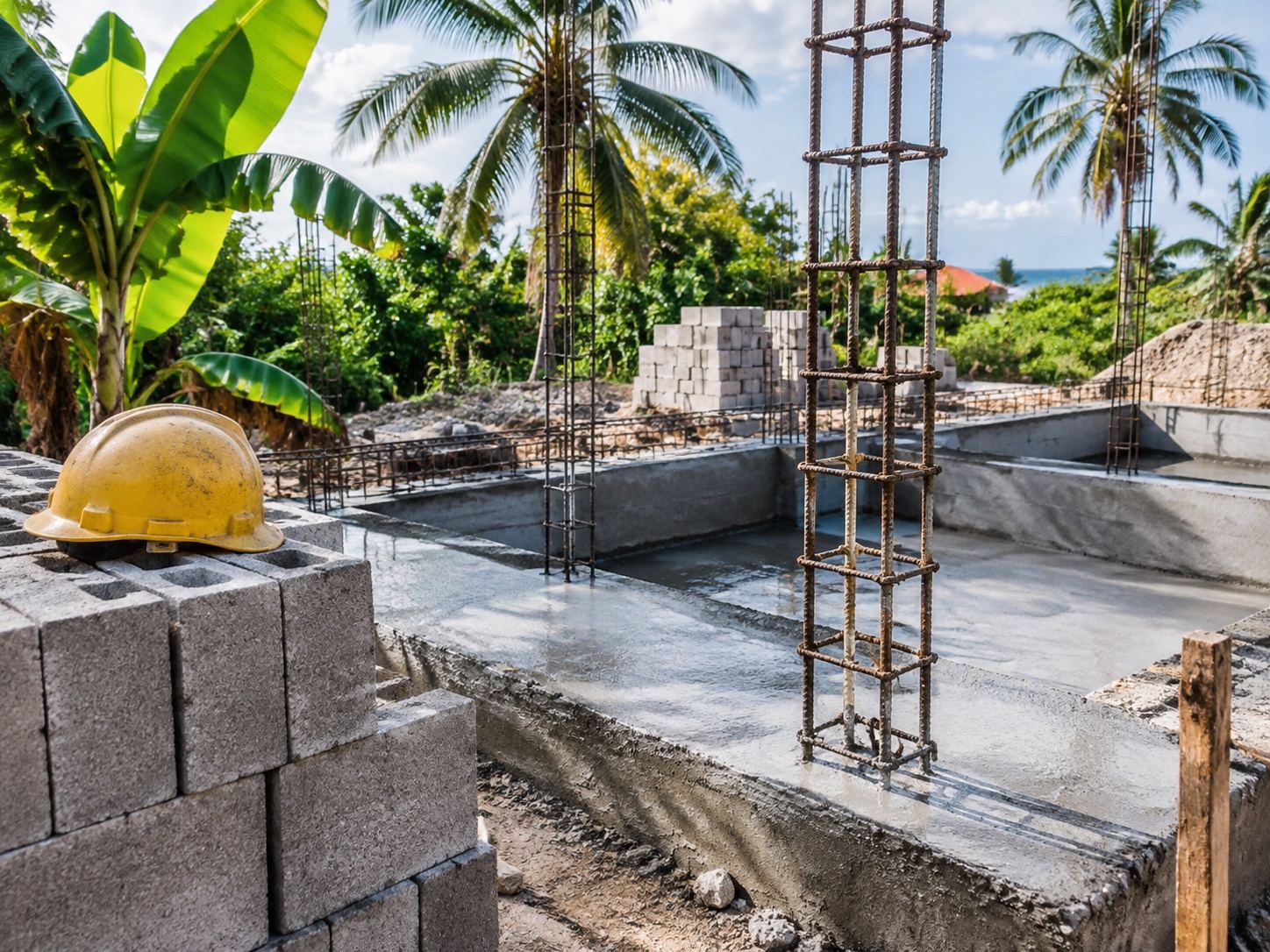
“Footings poured, rebar tied, BBD 8,450 draw ready for your review.”
That's a Tuesday update — read on your phone, wherever you are.
Everything in one place
Core features
Daily site log
Drafts from the phone on site, photos, deliveries, blockers and next steps. Published updates keep a full edit history.
Missed-update alerts
Set your workdays (Barbados time). If nobody posts, you hear about it.
Milestones & sign-offs
Original target vs current forecast, linked evidence and reviewer sign-offs from clearing to handover.
Draws & change orders
Approve or send back with a reason. Versioned, so you always know exactly what you approved.
Costs vs budget
Invoices linked to supplier, milestone and delivery. Likely duplicate invoices are flagged automatically.
Budget adjustments
Owner-only adjustments with a reason, and over/under variance on every budget line.
One-click report
A printable progress & cost summary for you, your family or your lender — save it as a PDF.
Payments kept honest
An approval is never counted as paid. Payments made outside the app are recorded separately, with receipts.
Roles for the whole team
Homeowner, site lead, trades and reviewer each see only what they should. Invite-only.
Private documents
Plans, permits, sign-offs and receipts in one private place, per project.
Full audit trail
Every post, approval, payment record and change is logged with who and when.
Locked down by design
Access is enforced on every record and file — not just by hiding buttons.
What's new
Smarter checks, smoother handover
The latest upgrades go beyond the daily log. AI tools are advisory only — they never approve, sign off or pay anything for you.
Receipt & invoice scanner
Snap a receipt or upload a PDF. AI reads the supplier, date and total, flags likely duplicates and suggests the matching milestone — you confirm before anything is saved.
Change-order contract check
Compares a change order with your uploaded building contract for scope overlap and whether the price looks reasonable. A second opinion, not a ruling.
Photo progress checks
Reviews site photos against the active milestone and points out possible gaps or concerns before anyone signs off.
Snag & punch list
Log defects with photos and where on site they are, assign them to a trade, and close them only after the homeowner or site lead reviews the fix.
Selections & allowances
Track tiles, fixtures and fittings against their allowance, see the price difference of each option, and lock in your choice before the deadline.
Milestone timeline
A visual timeline with dependencies you can edit, showing forecast slip, overdue phases and knock-on delays upstream.
Trade schedule & presence
Plan which trades are on site each week, then check scheduled against actual attendance from the daily logs.
Project messaging
Team discussions and private one-to-one threads inside the app, with timestamps and role badges — no more scattered WhatsApp chats.
See your build clearly.
Explore a complete fictional project as the homeowner, site lead, trade or reviewer.